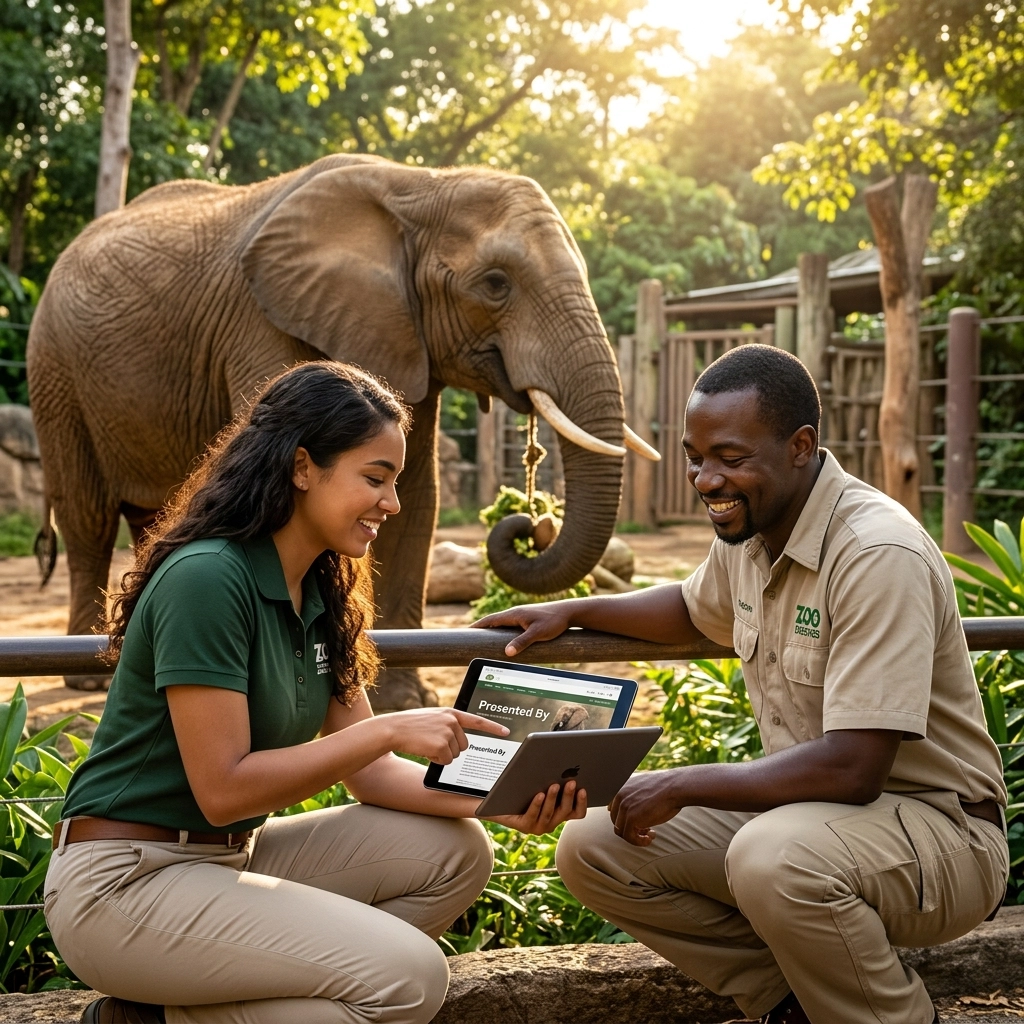
Zoo Marketing 101: A Beginner’s Guide to Mastering “Presented By” Animal Pages
Digital presence matters. For zoos, it is more than just a website. It is an extension of the physical exhibit. One of the most effective tools in modern zoo marketing is the "Presented by" animal page.
It is simple. It is high-value. It connects a specific species to a brand that cares.
This guide breaks down how to build, manage, and sell these pages.
What is a “Presented By” Animal Page?
A dedicated digital profile.
A specific species spotlight.
A co-branded experience.
Think of it as a digital exhibit label. It lives on your website or app. It tells the story of an animal. It features a sponsor logo. It provides educational value.
It is part conservation, part marketing, and part partnership.

The Goals
Before building, define the "why."
For the Zoo:
- New revenue streams.
- Better conservation storytelling.
- Higher digital engagement.
- Increased animal adoptions.
For the Sponsor:
- Brand alignment with wildlife.
- Visibility to families.
- Goodwill in the community.
- Direct calls to action.
Choosing the Right Species
Not all animals carry the same marketing weight. Inventory should be categorized.
Flagship Animals (The Stars)
These are the heavy hitters. High traffic. High emotional connection.
These species deserve exclusive rights. They offer the most visibility for a brand.
Popular Mid-Tier Species
High engagement. Quirky behaviors.
Great for local businesses or mid-level budgets.
Mission-Driven Species
Endangered amphibians. Niche reptiles. Local wildlife.
Ideal for environmentally focused brands. These pages highlight direct conservation impact over "cute" factors.

The Anatomy of a Perfect Page
Consistency is key. Use a repeatable structure.
1. The Hero Section
Start strong. Use high-quality stock photography.
- Large, clear image.
- Clear title: "African Elephant."
- Sub-header: "Presented by [Sponsor Name]."
2. The Animal Story
Keep it simple.
- Who they are: Species basics.
- Fun facts: Things visitors can share.
- Conservation status: Why they need help.
- The individuals: Names and quirks of the animals at your facility.
3. Conservation Impact
Show the work.
- Breeding programs.
- Field research.
- Habitat protection.
- What the sponsor is specifically helping to fund.
4. Sponsor Integration
It should feel like a partnership. Not an ad.
- Sponsor logo.
- Short description: "Company X supports wildlife corridors."
- A quote: "Why we support the Snow Leopard."
- Benefit link: "Click here for a special visitor discount."

Making it Interactive
Static pages are boring. Engagement keeps visitors on the page longer.
- Quizzes: "How much does a lion eat?"
- Downloads: Coloring pages for kids.
- Live Streams: If available, embed the cam.
- AR Features: Scan the page to see the animal in 3D.
Physical to Digital: The Link
A digital page is useless if no one finds it. Connect the physical zoo to the digital one.
On-Site Signage
Place QR codes at the exhibit.
- "Scan to meet our Giraffes."
- Include the sponsor logo on the sign.
- Keep the physical copy minimal. Let the phone do the talking.
Zoo Maps
Whether print or digital.
- Label exhibits with "Presented by."
- Add QR codes to map legends.
Member Newsletters
Spotlight a different "Presented by" page every month.
- Include a direct link.
- Mention the sponsor's commitment.

The Importance of Imagery
Zoo Imagery provides the visual foundation.
Sponsors want to look good. Low-quality, blurry photos don’t sell.
Use professional stock photography for the header. Supplement with your own photos of the specific animals.
Crisp visuals increase time-on-page. They make the sponsor feel their investment is high-quality.
Visit Zoo Imagery for species-specific collections that fit your template.
Measuring Success
Data keeps sponsors coming back. Track these metrics:
- Unique Visitors: How many people saw the page?
- Dwell Time: How long did they stay?
- QR Scans: How many people scanned at the exhibit?
- Click-Throughs: How many people clicked the sponsor’s link?
Provide a simple report every six months. Show photos of the signage in action. Show the numbers.

Common Mistakes to Avoid
Too Much Text
Visitors are on their phones. Usually while walking.
- Keep sentences short.
- Use bullet points.
- Use bold headers.
Over-Branding
If it looks like a billboard, people will scroll past.
- The animal is the star.
- The sponsor is the enabler.
- Keep the balance 80/20.
Dead Links
Check your links once a month.
- Ensure the sponsor’s website works.
- Ensure the donation button is active.
Quick Launch Checklist
- List your top 10 most popular animals.
- Source high-quality images from zooimagery.com.
- Create a one-page template.
- Draft the conservation stories.
- Decide on your sponsorship tiers.
- Print QR code labels for the exhibits.
- Set up Google Analytics for the URLs.
Summary
"Presented by" pages are a win-win-win.
The zoo gets support.
The sponsor gets exposure.
The visitor gets a better experience.
Keep it simple. Focus on the story. Use great photos.
For more resources on zoo marketing and high-end stock photography, check out our collections at Zoo Imagery or follow us on LinkedIn.


